Free Tool to Combine Two Photos Online
Combine Two Photos Into One Frame
- Free Online Tool
Merge two images side by side, top and bottom, or with a diagonal split. Everything happens in your browser - no uploads, no accounts, no watermarks.
- 3Layout types
- 4Aspect ratios
- 1500pxOutput resolution
- 0Server uploads
- 100%Free, always
Example Output
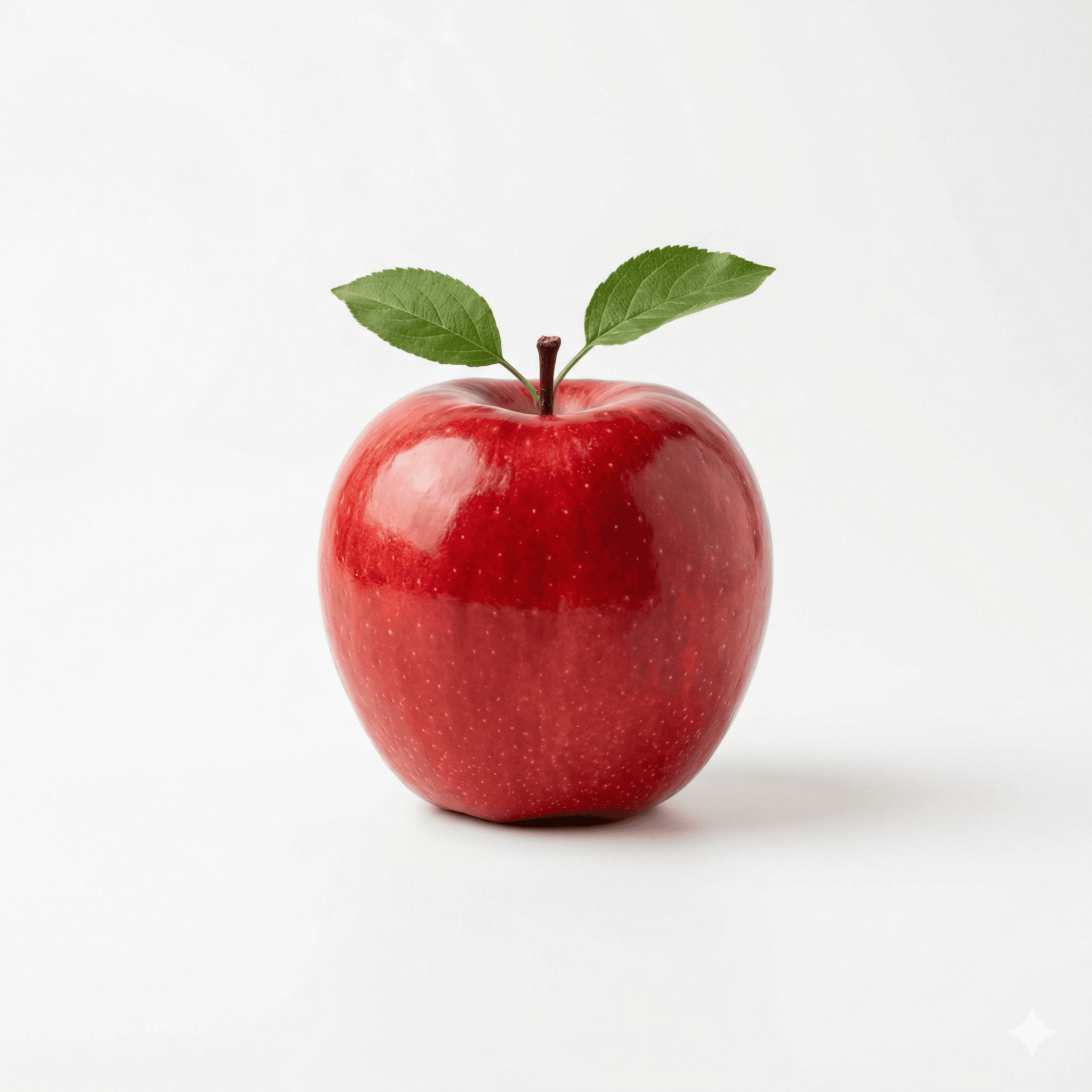
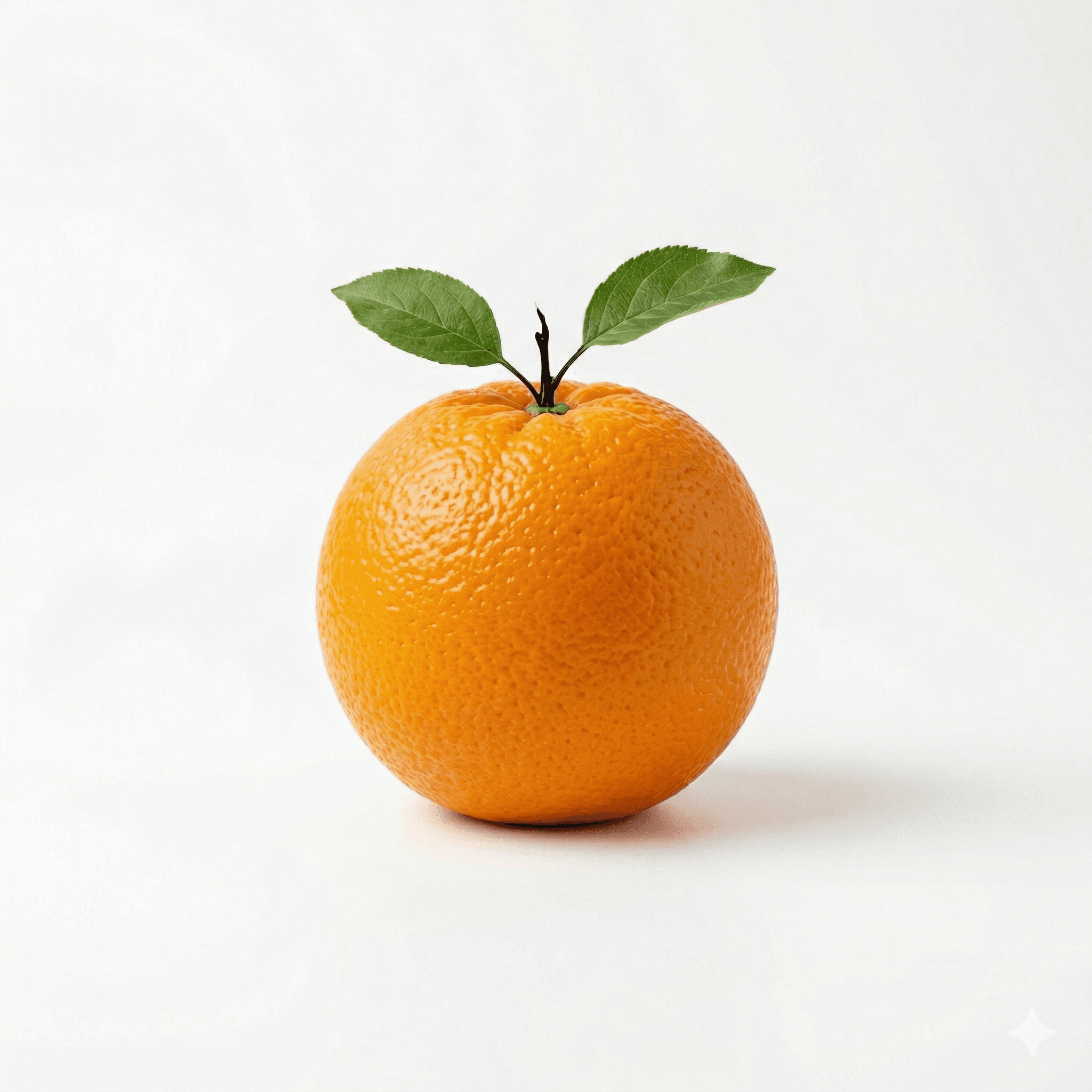
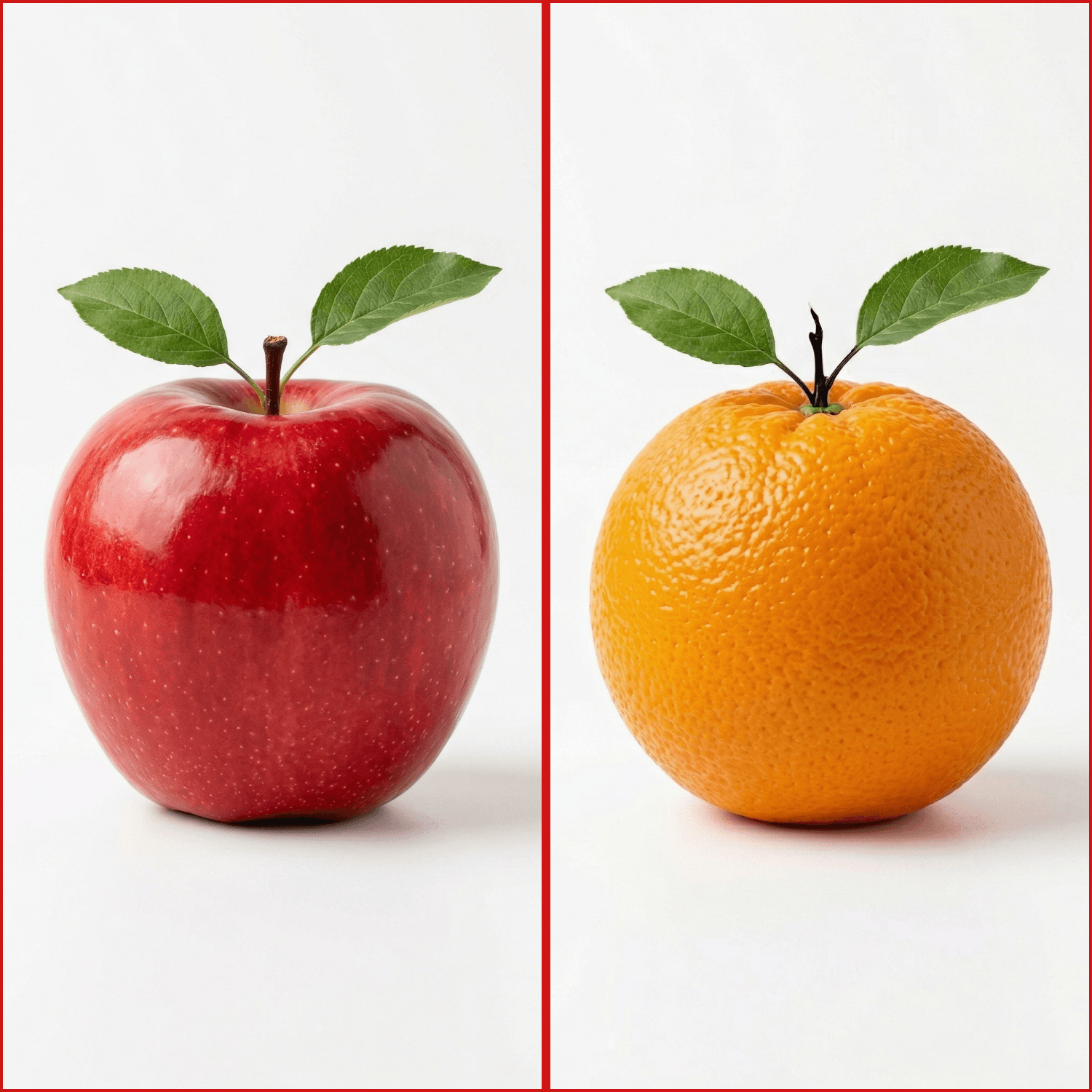
Simple by design
How It Works
Three steps from two separate photos to one polished, download-ready frame.
- 1No file size limits
Upload Your Two Photos
Drag and drop or click to browse. Supports JPEG, PNG, and WebP. Both images load instantly into your browser - nothing leaves your device.
- 23 layouts · 4 ratios
Choose Layout & Style
Pick side by side, top and bottom, or diagonal split. Select your aspect ratio, adjust fit and zoom per photo, then set divider thickness and background color.
- 3JPG or PNG, 1500px output
Download Your Image
Click download. Your combined photo renders at 1500px on the long side and saves directly to your device - no watermark, no account, no waiting.
No account needed. Opens instantly in your browser.
Built for quality
Everything You Need
Precise controls, professional output, zero friction.
3 Layout Options
Side by side, top and bottom, or a striking diagonal split. Each layout is rendered at full resolution with pixel-perfect alignment.
Social-Ready Ratios
Built-in presets for 1:1 square, 4:5 portrait, 9:16 vertical Reels, and 16:9 landscape - formatted for every major platform.
Fit & Fill Modes
Fit shows the whole image with letterboxing. Fill crops edge-to-edge. Both support per-photo zoom (1×–3×) and X/Y pan for precise framing.
Custom Divider
Set the divider from 0–40px and pick any color with the built-in color picker. Match your brand palette or remove it entirely.
Background Color
In Fit mode, letterbox areas expose your chosen background - use black, white, or any custom hex color for a polished, intentional look.
Instant Download
Export at 1500px on the long side as JPG for fast sharing or lossless PNG. No watermarks, no compression surprises, no delays.
Why creators choose PixComb
Built Different
Most photo tools upload your images, add a watermark, or put the best features behind a paywall. PixComb does none of that.
Completely Private
Your photos never leave your device.
PixComb runs entirely inside your browser. No image data is ever transmitted to a server, stored in a database, or passed to a third party. Close the tab and everything is gone — because it was never sent anywhere.
Instant Results
From upload to download in under 60 seconds.
There is no processing queue, no cloud rendering, and no waiting for a server response. Your combined image renders locally in real time as you adjust the settings, then saves straight to your file system when you click download.
Professional Quality
1500px output. No watermark. Ever.
Every download renders at 1500px on the long side - high enough for print, Instagram, e-commerce, and professional use. We do not add a watermark, degrade your image with aggressive compression, or reserve quality features for a paid tier.
Built for Real Use Cases
From social media to professional work, PixComb fits the task.
Instagram & Reels
Optimized for 1:1 and 9:16 ratiosCreate before/after pairs, dual-perspective shots, or eye-catching collages formatted perfectly for your feed or Stories. Use 1:1 for posts or 9:16 for Reels.
Real Estate
Perfect for property listingsShow a room from two angles or pair exterior with interior shots in a single polished image. Ideal for listings that need to say more with less screen space.
E-Commerce
Works on every marketplaceShowcase multiple product views, color variants, or lifestyle context alongside the product shot - all in one clean frame that works on any platform.
Event Photography
Great for event recap contentCombine ceremony and reception moments, pair speaker headshots with stage shots, or create recap collages that capture the whole story of an event.
Frequently Asked Questions
Everything you need to know before you start.
Ready to Combine Your Photos?
Open the editor and create your combined image in under a minute - free, private, and without an account.
Open PixComb EditorYour photos never leave your browser.